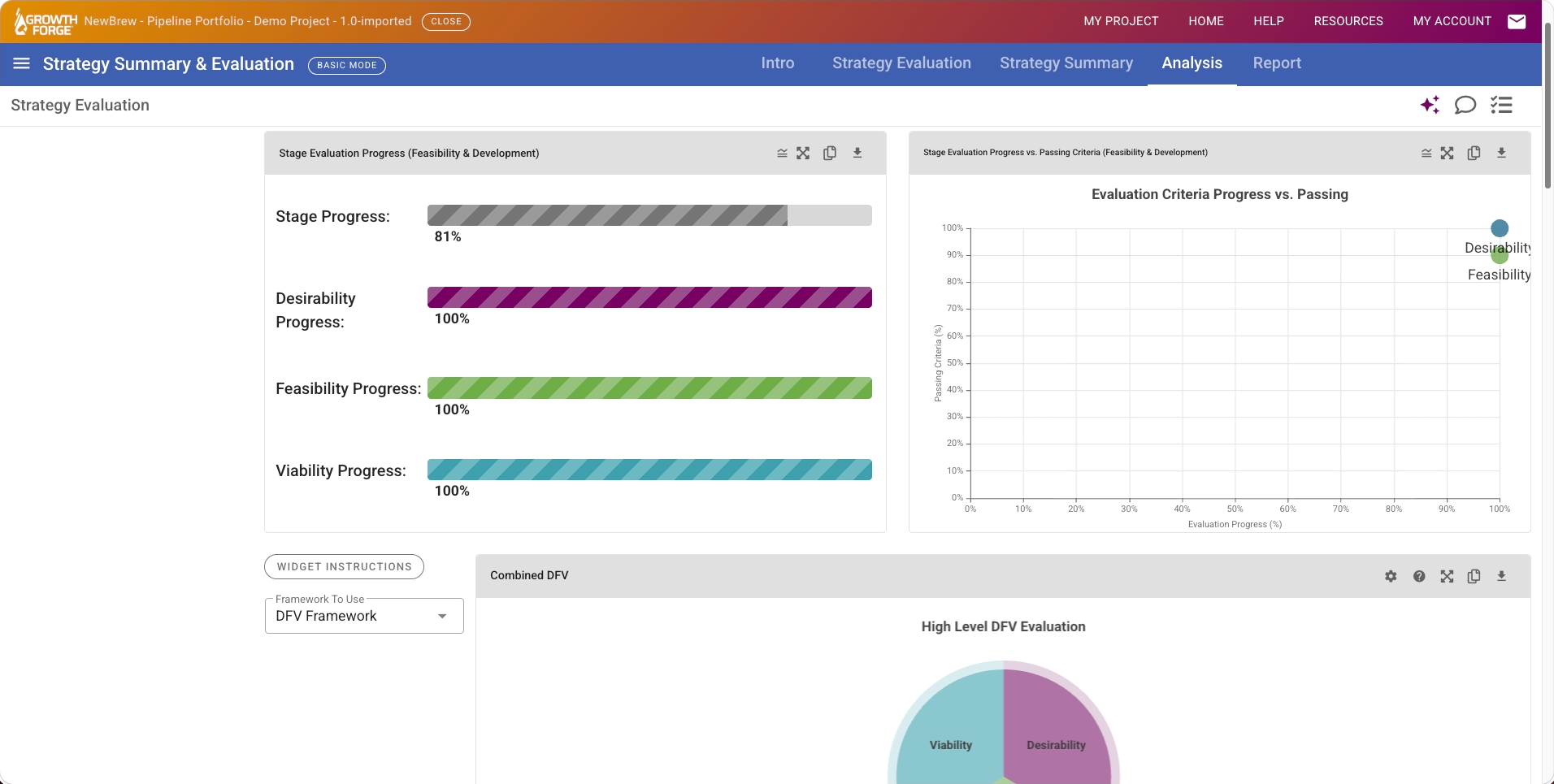
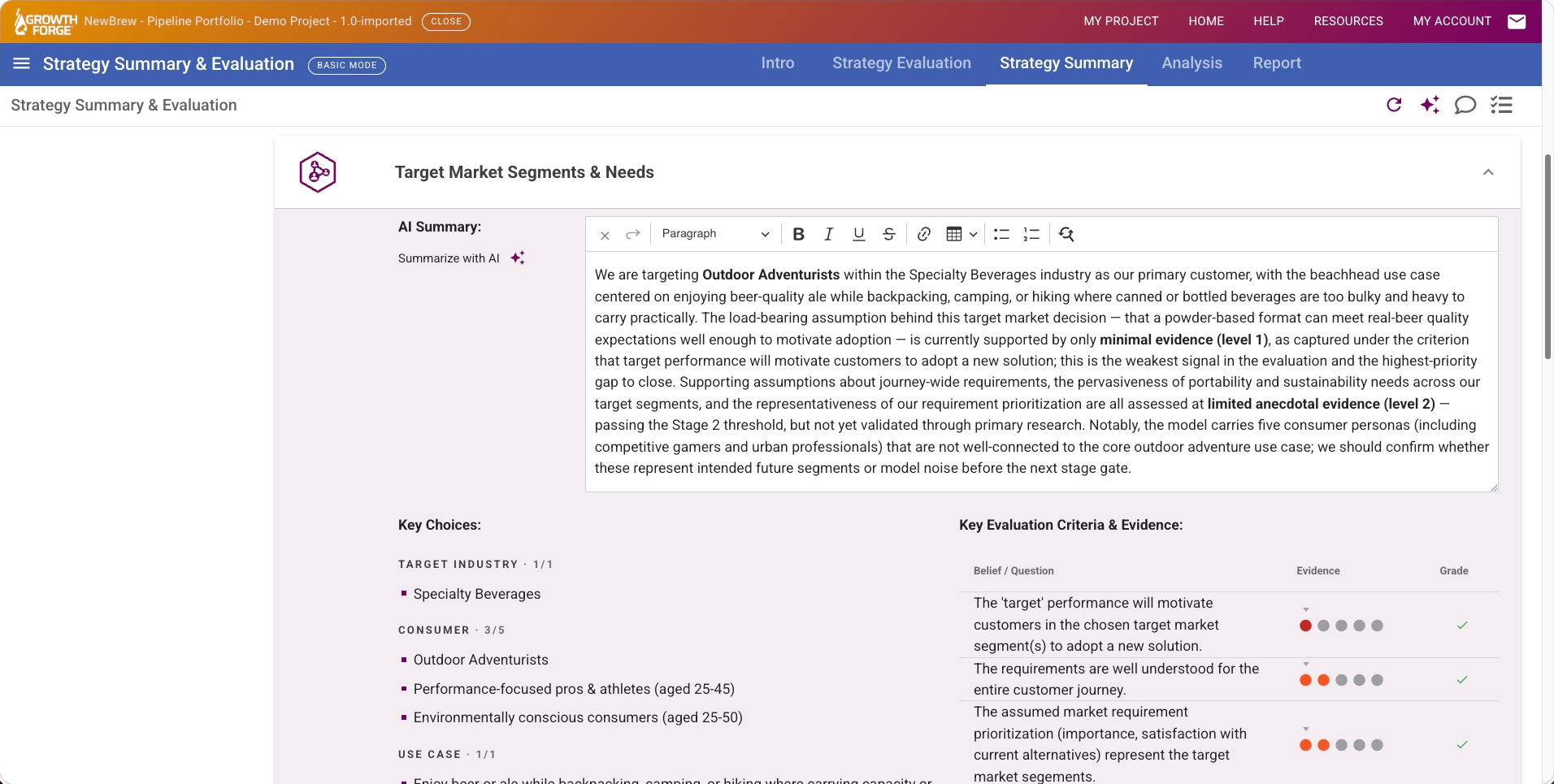
Strategy Evaluation is the Growth Forge® Software tool that pulls your whole strategy hypothesis into one Strategy-on-a-Page view and scores its readiness. It rolls up the choices, assumptions, and evidence from every tool and measures them against the evaluation criteria for the current stage, the same criteria used in the Portfolio Management dashboard and the stage-gate investment decision recorded in the Decision Making tool.
Portfolio managers running stage-gate reviews, new-product or business project leaders assembling the case, and stakeholders who need the whole strategy on one page. (Portfolio managers and project leaders use it differently enough to call out: managers judge readiness and comparability; project leaders assemble and defend the case.)

What is Strategy Evaluation in Growth Forge?
It's the tool that aggregates your whole strategy hypothesis onto one page and scores its readiness for a stage-gate review. It rolls up the choices, assumptions, and evidence from every upstream tool and measures them against the current stage's evaluation criteria, it summarizes and assesses; it doesn't create new strategy content.
How do I run a stage-gate review or evaluate a new business idea?
Build the strategy in the upstream tools, set the project's stage, and score the evidence behind each criterion. Strategy Evaluation gives you the Strategy-on-a-Page summary and readiness dashboards to run the review; the actual Continue / Pivot / Pause / Stop investment decision is then framed and recorded in the Decision Making tool.
What are the possible outcomes, and where is the decision actually made?
The outcomes are Continue, Pivot, Pause, or Stop, and Stop is a first-class, healthy outcome, not a failure. Strategy Evaluation assesses readiness; the decision framing and recommendation and the decision outcome are captured in the Decision Making tool and reflected in the Portfolio Management dashboard, so evaluation and the investment decision stay distinct.
How many evaluation criteria are there?
By default, the software includes dozens, derived from decades of practitioner experience and customized and prioritized per portfolio; the number and rigor grow across stages as the strategy matures and the investment level rises. Enterprise clients can customize or substitute their own criteria, if desired.
Does it create new strategy content?
No, it reads and summarizes the work done in the other tools. Its job is to make readiness visible and comparable, not to author strategy.
What does it connect to?
It reads from every upstream strategy-modeling tool and feeds the Decision Making tool and the Portfolio Management dashboard.